
 Holidays
  Cruises

 Flights
  Hotel Only
  Deals
Deals  Destinations
  Extras
 Experiences
 Travel information
 Help Centre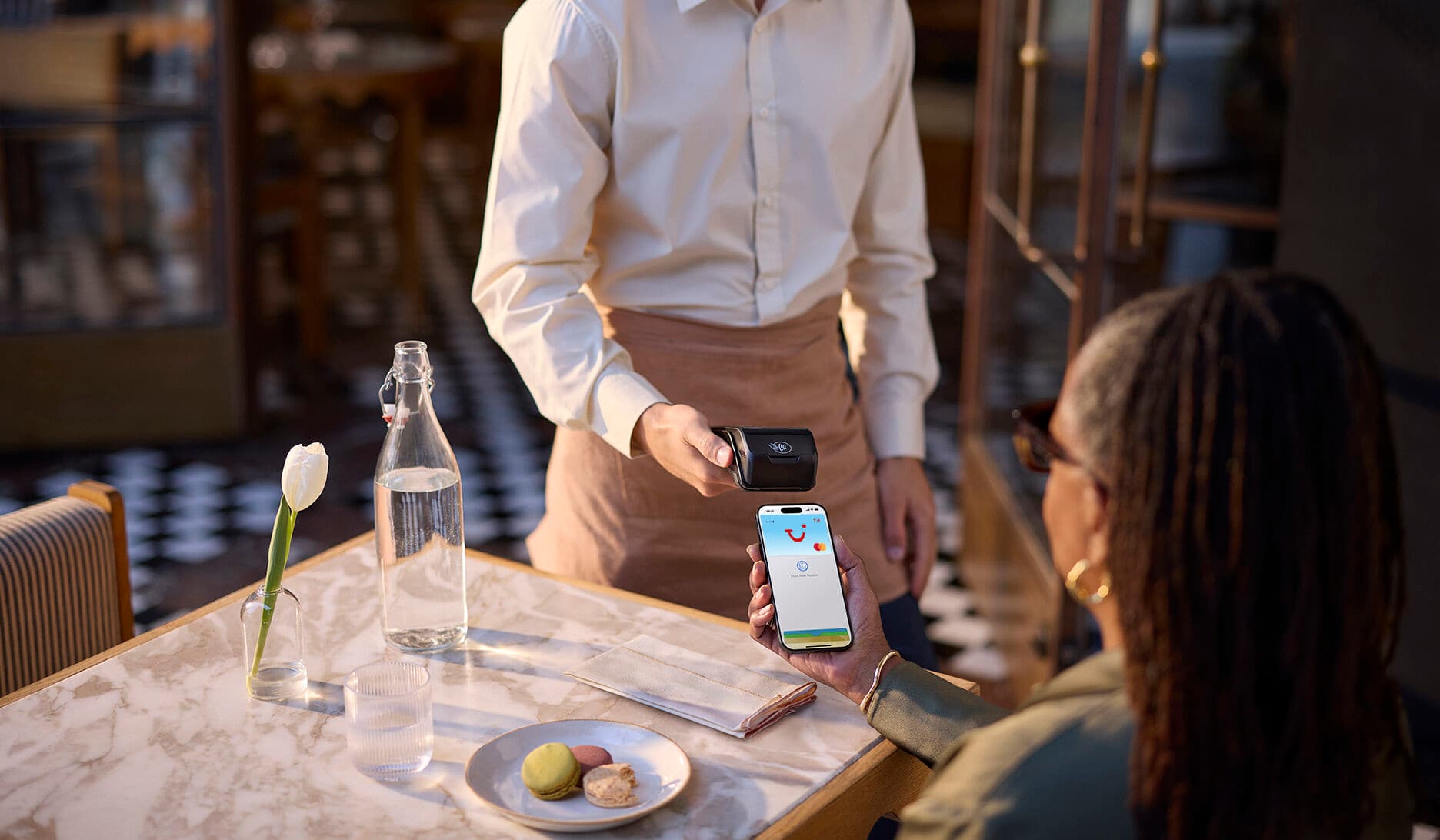
Easy, fast transactions
With Apple Pay, you can pay quickly and easily with your TUI Travel Money Card straight from your iPhone or Apple Watch.
No wallet? No problem.
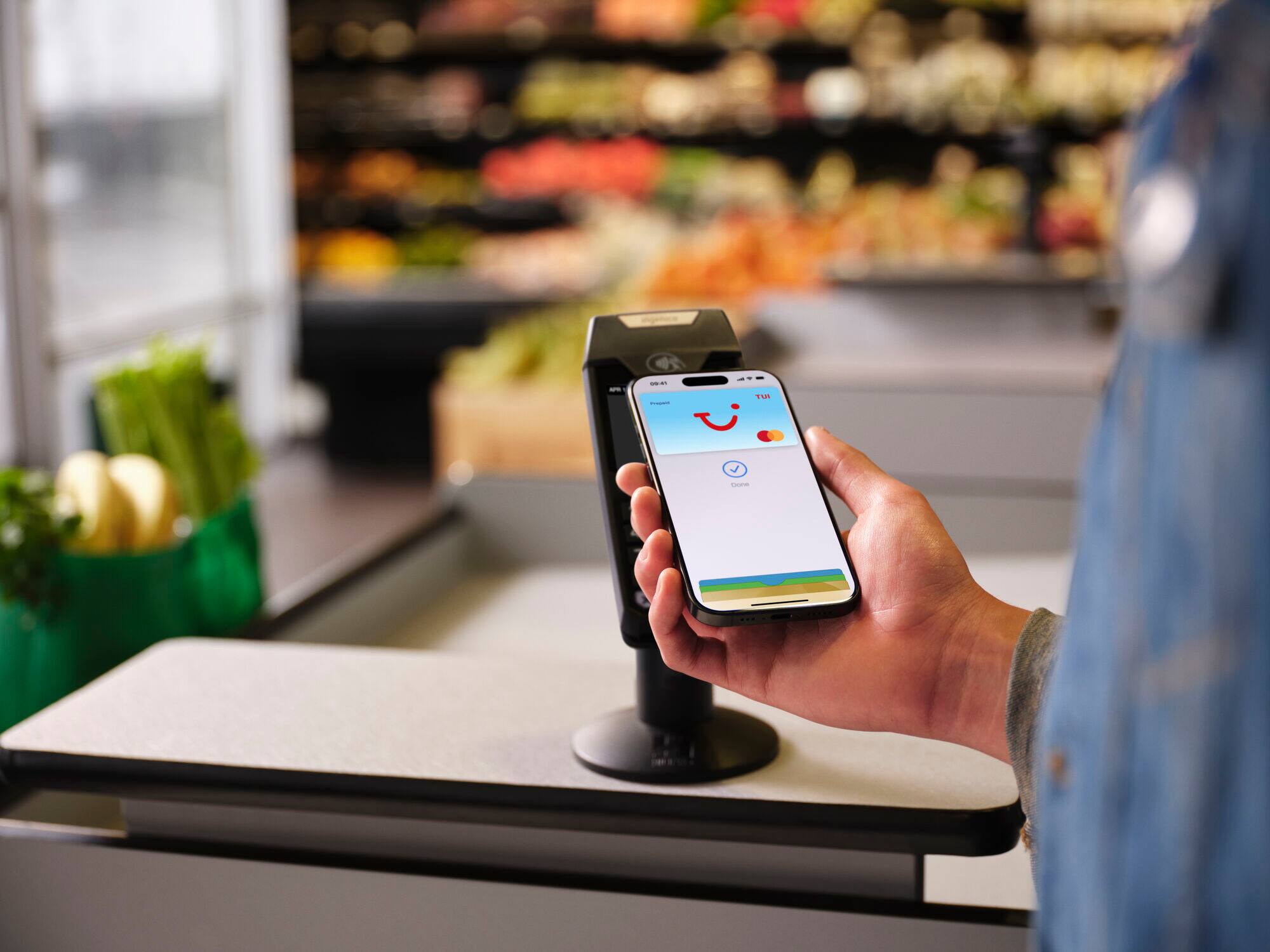
With Apple Pay, you can pay with your TUI Travel Money Card straight from your iPhone or Apple Watch. Apple Pay uses the security features built into your Apple device – including Face ID and Touch ID – which are designed so only you can authorise payments.
How to add your TUI Travel Money Card to Apple Pay
Adding your TUI Travel Money Card to Apple Pay is easy. Just follow these simple steps:
FAQs
How do I add a TUI Travel Money Card to my Apple Wallet?
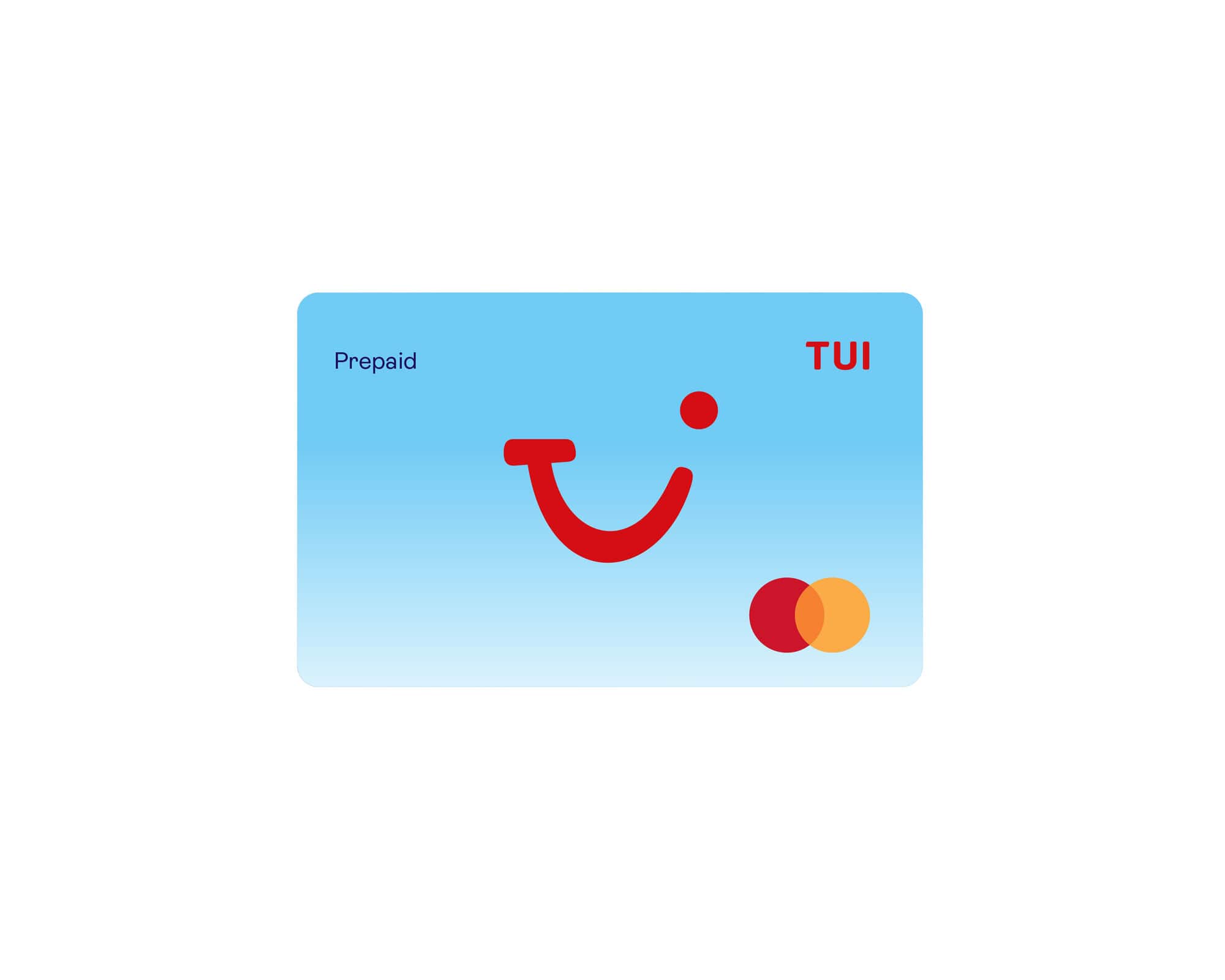
Adding your TUI Travel Money Card to Apple Pay is easy. Just follow these simple steps. After you have registered your TUI Travel Money Card within the TUI Travel Money Card app, you’ll be prompted to add your card to your Apple Wallet through a link within the app home screen. Follow the on-screen instructions to guide you through the process. Alternatively, open Apple Wallet on your iPhone, then tap the plus sign (+) to get started.
Are there any additional charges when using Apple Pay with my TUI Travel Money Card?
No, there are no additional charges for using Apple Pay with your TUI Travel Money Card. Apple Pay is simply a convenient way to pay with your phone instead of your physical card – the same standard fees and charges apply.
Do I still need to take my TUI Travel Money Card on holiday with me, if it’s now in my Apple wallet?
Yes definitely, we recommend you still take your TUI Travel Money Card away with you. Contactless or mobile payments may not be accepted in some places. Having your card as backup means you can pay wherever you see the Mastercard Acceptance Mark.
I’m having trouble adding a TUI Travel Money Card to my Apple Wallet, who can I speak to?
If you’re having trouble adding your TUI Travel Money Card to Apple Wallet, our Customer Services team can help you get this sorted. Give them a call on +44 (0) 2031 300 133 and they'll walk you through it.
Terms apply
This card is issued by PrePay Technologies Limited pursuant to a licence by Mastercard International. PrePay Technologies Limited is an authorised Electronic Money Institution authorised by the Financial Conduct Authority under the Electronic Money Regulations 2011 (FRN: 900010) for the issuing of electronic money and payment instruments. Mastercard is a registered trademark, and the circles design is a trademark of Mastercard International Incorporated.